iPhone Duo: How the Keyboard Changed From Beta to Device
We finally have a physical iPhone Duo to test with, and it turns out that the keyboard doesn’t behave like it did in the simulator. The globe and dictation buttons have moved into the keyboard.
Simulator Behavior
In the iOS 27.1 simulator, the globe and dictation buttons are placed outside the keyboard area, much like how all Face ID iPhones behave.
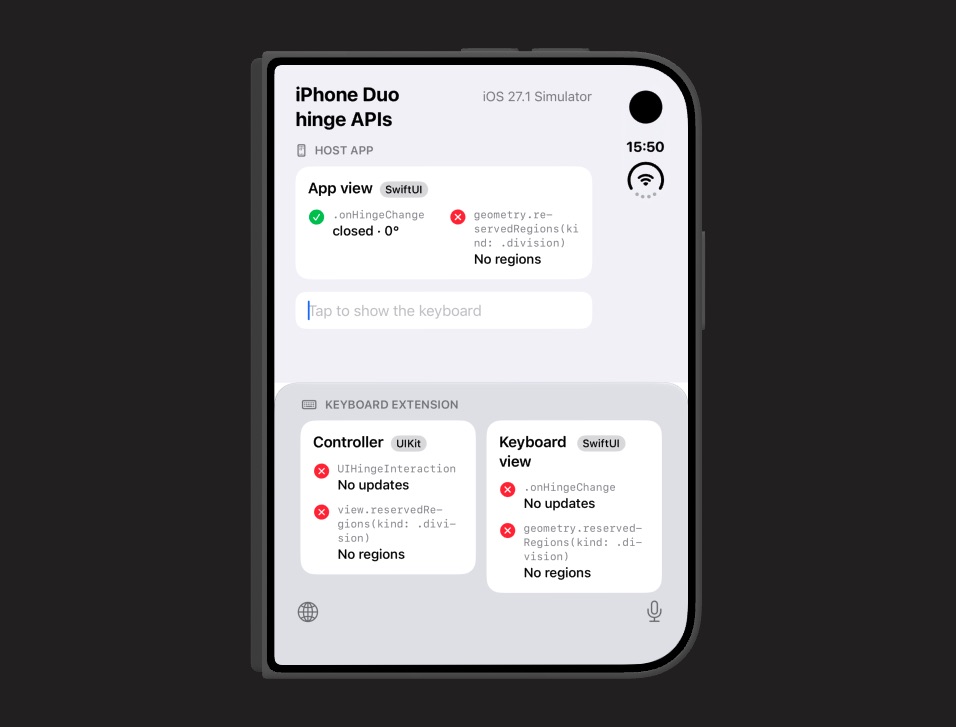
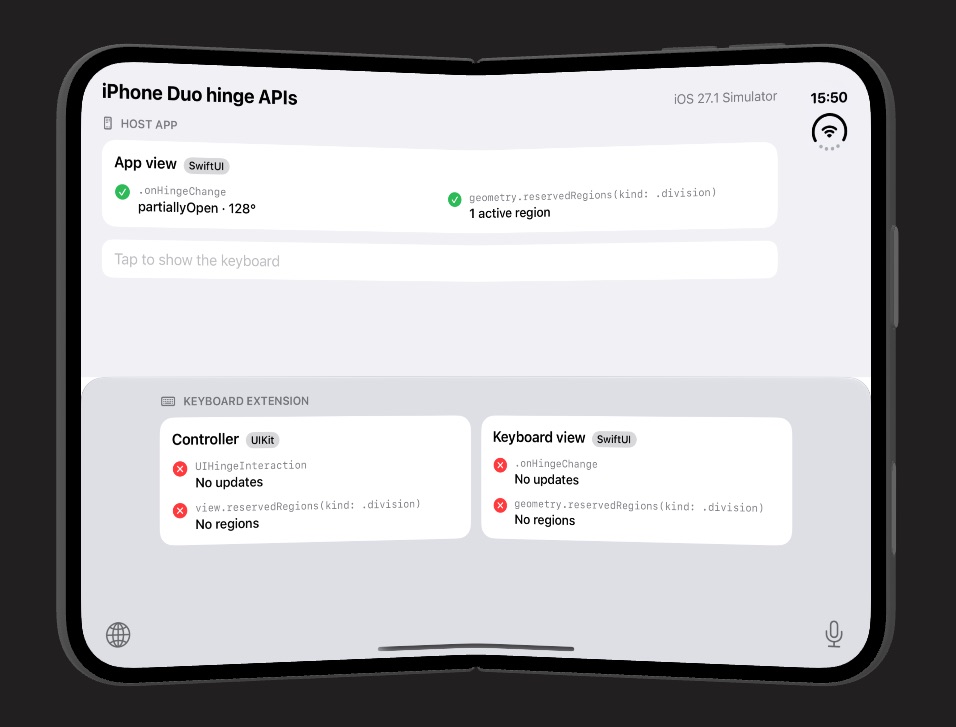
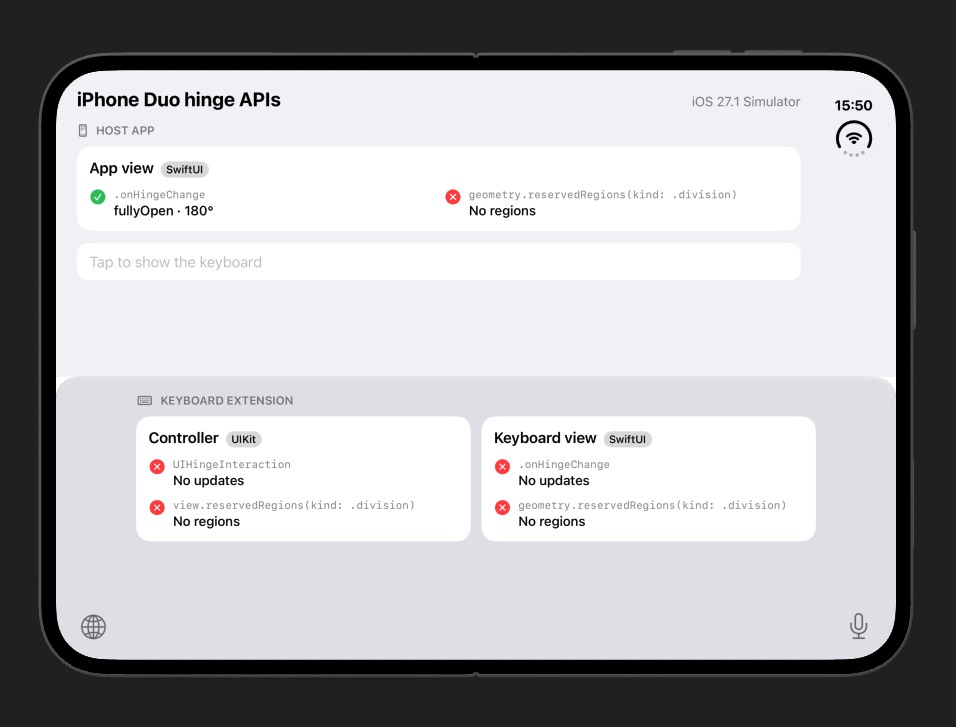
Since the simulator provides these buttons in all three states, a custom keyboard didn’t have to render its own globe and dictation buttons.
Device Behavior
It turns out that a physical iPhone Duo behaves differently. Instead of rendering the keys outside the keyboard, the globe button is added next to the emoji key, and the dictation button is added next to the space bar.
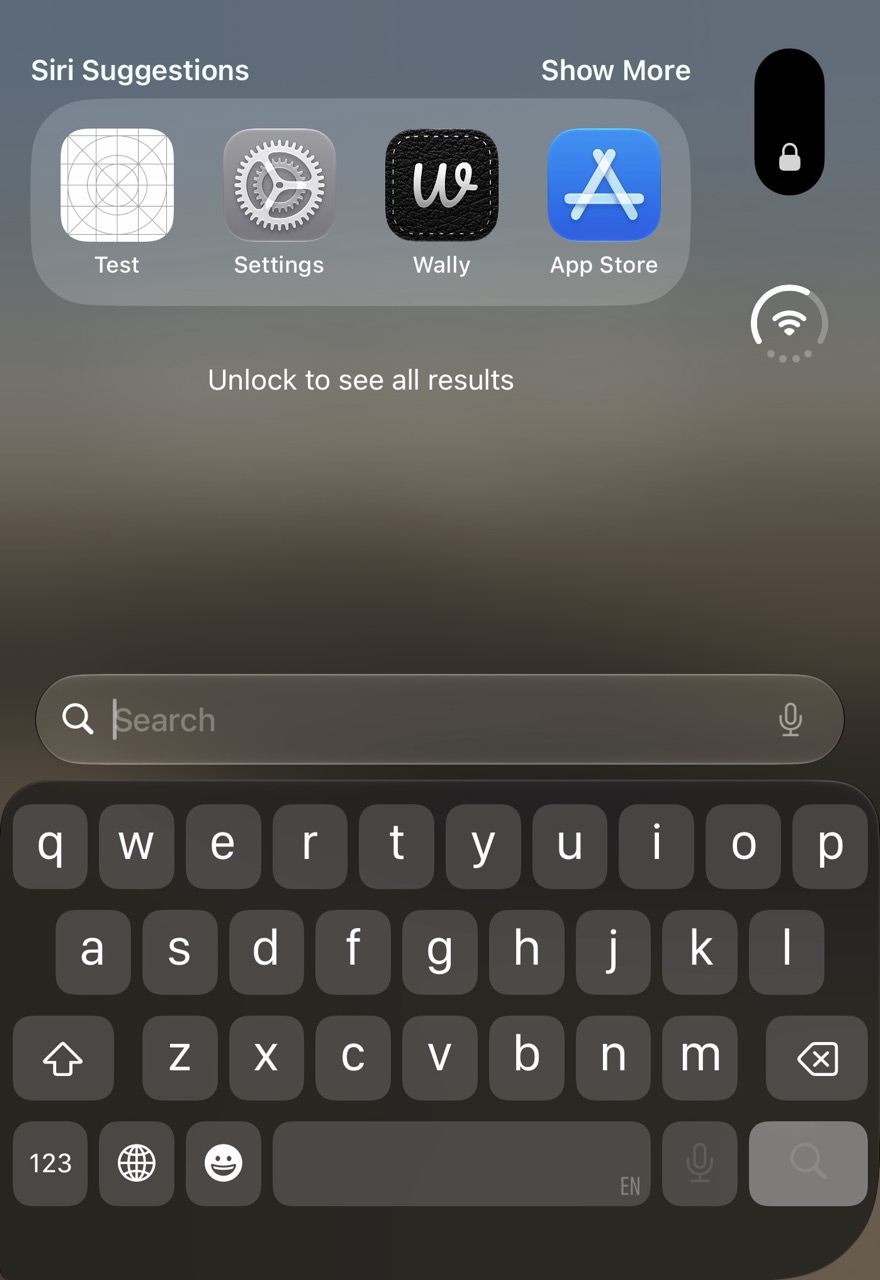
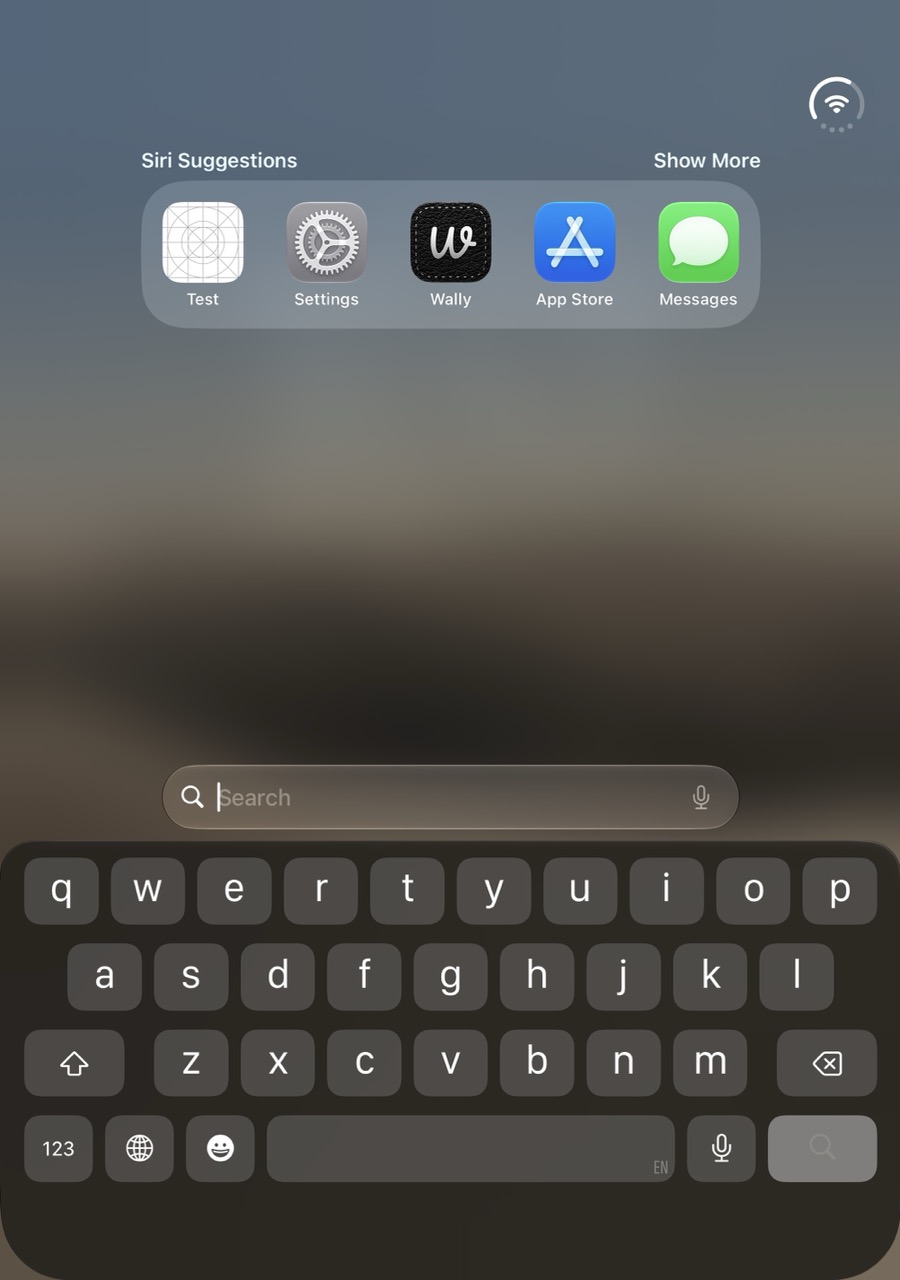
This is how Touch ID devices have always behaved, where a custom keyboard must add the buttons itself, since there is no space for them below the keyboard. The Duo now does the same in all states.
Implications
KeyboardKit 11.1 was recently released, with updated layouts and designs for the iPhone Duo. These changes will however not work, and must be patched.
We will update KeyboardKit to add these buttons on the iPhone Duo, and will verify the behavior on a physical device. If you have any questions, don’t hesitate to reach out.
Discussions & More
If you found this interesting, please share your thoughts on Bluesky and Mastodon. Make sure to follow to be notified when new content is published.