What is a Custom Keyboard?
A custom keyboard can replace the native software keyboard, and lets users use your app's unique features in any app that support typing and pasting.
Learn more
KeyboardKit lets you create amazing custom keyboards for iPhone and iPad.
A custom keyboard can replace the native software keyboard, and lets users use your app's unique features in any app that support typing and pasting.
Learn moreKeyboardKit gives you everything you need to build a native & fully customizable keyboard.
KeyboardKit delivers a rich foundation, while KeyboardKit Pro unlocks pro features.
KeyboardKit is used by indies, startups and enterprises, all over the world.
With KeyboardKit, creating Lingo’s custom keyboard extension felt like magic.
Stefan Liesendal, Lingo
KeyboardKit provided us with a production-ready keyboard engine, to let us focus on BossAI.
Uddeshya Agrawal, CEO BossAI
KeyboardKit is a trusted Swift & SwiftUI framework for building great custom keyboards.
Minimal latency for instant user feedback.
On-device processing ensures full user privacy.
Native iOS following Apple's design guidelines.
Follow the KeyboardKit Blog for news & updates.
See how developers build successful keyboard apps with KeyboardKit.
KeyboardKit powers innovation across a wide range of industries and use cases.
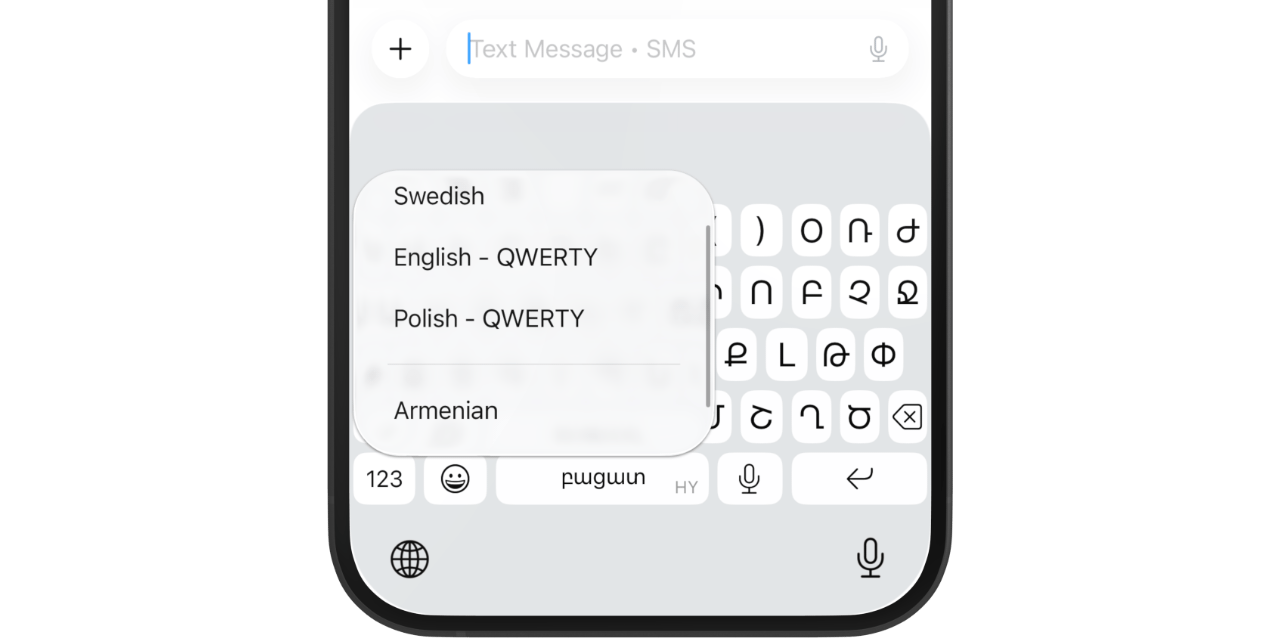
Go beyond Apple's built-in language support. Serve underrepresented languages with richer tools, better layouts, and locale-aware features.
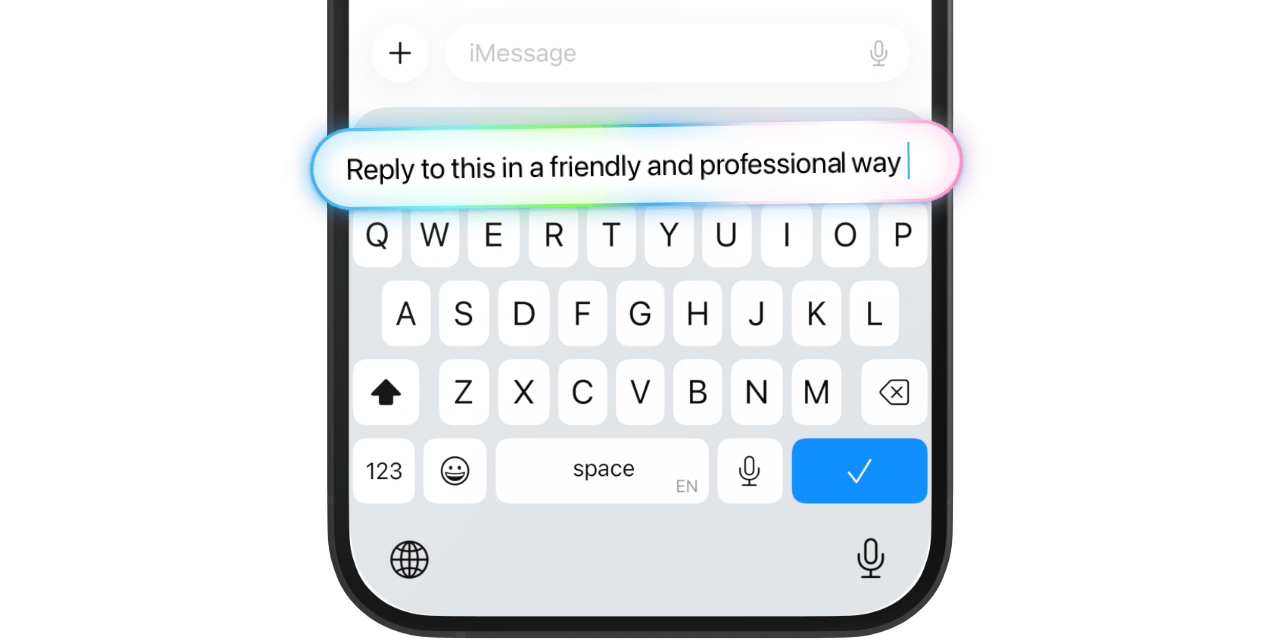
Bring AI directly into the typing experience. Expose custom AI models and smart suggestions right where users write.
Let users dictate text and trigger voice commands without leaving the keyboard — seamlessly integrated into any app.
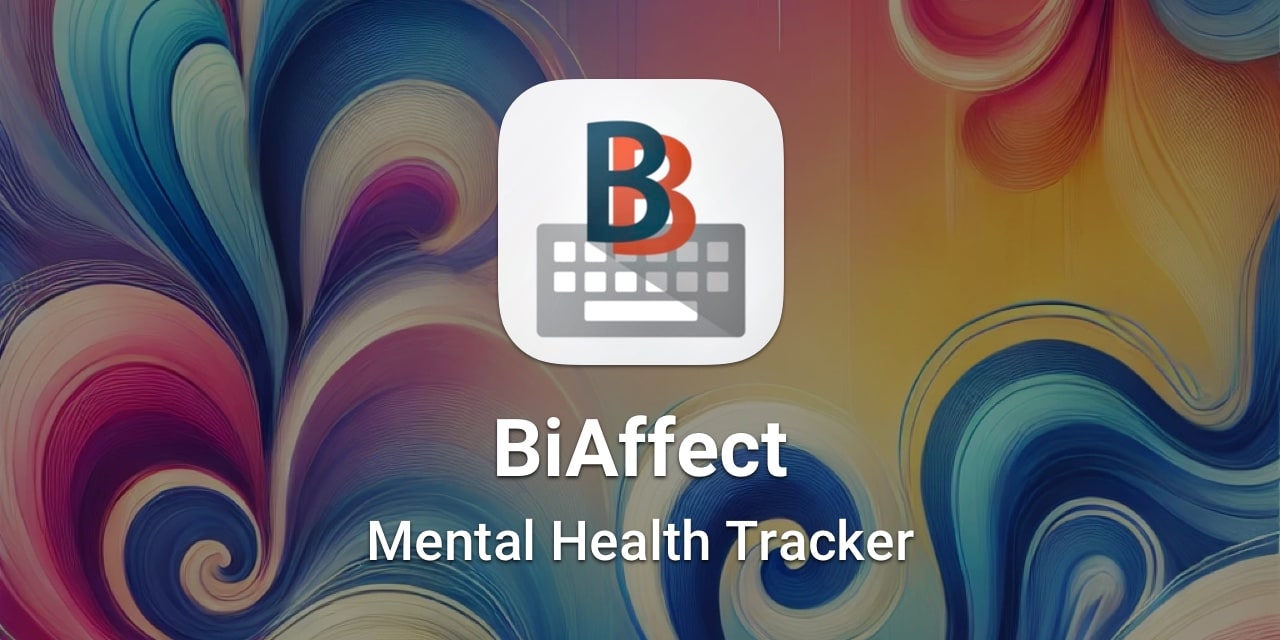
Analyze typing patterns to surface behavioral insights — from cognitive load to early indicators of mental health changes.
Surface biometric data and health insights at the point of input, giving medical users constant, contextual access to critical information.
Surface real-time financial data, sell triggers, and portfolio insights at the point of input — keeping traders and advisors informed as they work.
Detect exposure to harmful content or signs of grooming or bullying in real time, helping keep children safer wherever they type.
Build delightful keyboard experiences — GIF keyboards, sticker packs, emoji tools, custom fonts, and more — that users keep coming back to.
Find answers to common questions about KeyboardKit and its features.
A custom keyboard is a third-party keyboard extension that can replace the native iOS keyboard. It lets users use your app’s unique features in any app that supports text input.
KeyboardKit is a comprehensive custom keyboard framework that helps you build custom keyboards for iOS and iPadOS. It provides all the tools you need and can be customized to great extent.
Add KeyboardKit to your project via Swift Package Manager, then follow the getting started guide. You can be up and running in minutes.
KeyboardKit supports 111 languages, with locale-specific keyboard layouts and callouts for all languages, and autocomplete, spell checking and dictation for some. See this page for more information.
Yes! You can freely use KeyboardKit in any app. KeyboardKit Pro requires a commercial license to be used.
KeyboardKit does not collect, store, or transmit any user data. All processing happens on-device, unless you explicitly use external services. See the privacy policy for details.