KeyboardKit 11 Developer Preview
KeyboardKit 11 Developer Preview 1 is out! This pre-release is a way for you to test the many coming changes in the next major version of the framework.
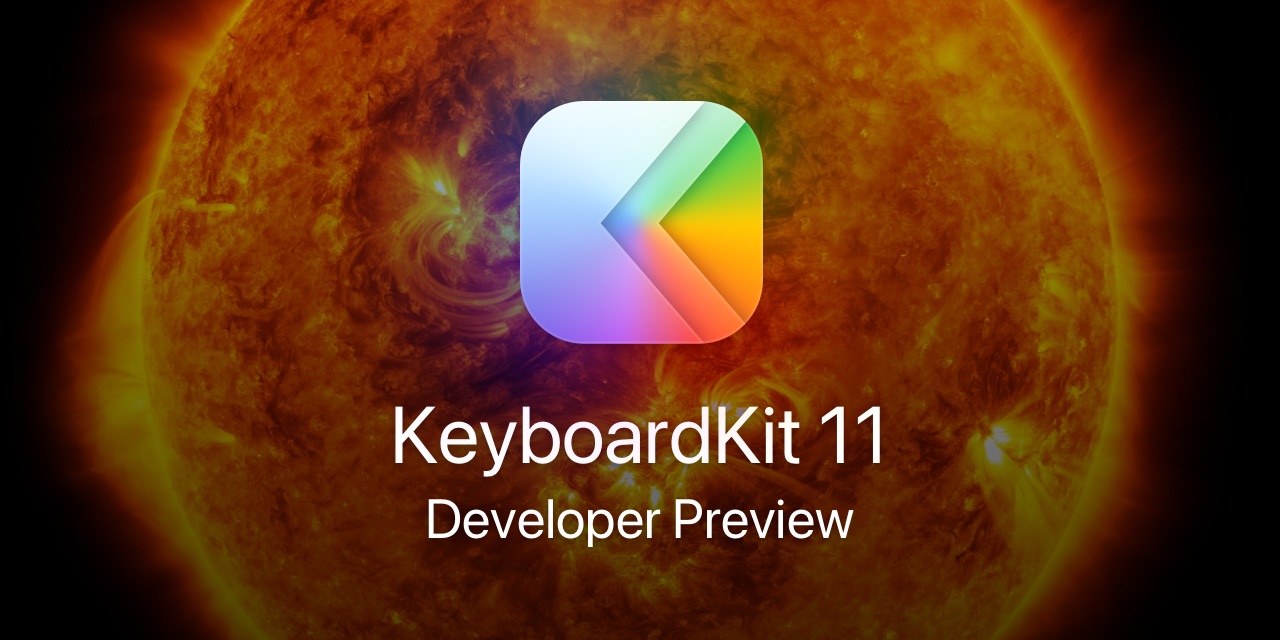
Banner Theme
Let’s start with the most important question. What theme will we use for the KeyboardKit 11 version lifecycle?
After focusing on Earth for the 10 lifecycle, we have discussed a new theme for the 11 lifecycle. We are pretty confident that we’ll release ten versions (11.0-11.9), so perhaps something with ten “things”?
While we could have gone with the human hand or foot, it would only be exciting for the first five versions. After that, the banners would just be flipped versions of already-used fingers and toes. Surely, we can do better.
KeyboardKit 11 will therefore take us back to space, but in a different way than in KeyboardKit 9. This time, we will blast through the solar system - starting at our magnificent Sun and ending up at Pluto. What a journey!
And before we start discussing everything in KeyboardKit 11… yes, we count Pluto as a planet. So should you.
Major Changes
This version bumps the package to Swift 6.2 and adopts strict concurrency, which means that most UI-focused features are now main actor-bound. This removes a lot of dispatch queueing, and makes the library safer to use.
As part of separating the UI-bound parts of the library from the parts that shouldn’t be bound to the main actor, we have moved all proxy logic from the KeyboardContext to a new KeyboardControllerContext.
Many types are now @MainActor-bound, but we have tried to limit this to types that directly need to use the controller or its text document proxy. More types are also Sendable.
This is a major change to the library. We have tried to design the changes in a way that will affect you as little as possible, but don’t hesitate to let us know if something doesn’t sit right with you, or if you run into bugs.
Feature Updates
While many features have been adjusted to the concurrency changes mentioned above, you should still feel at home with the overall structure, which doesn’t change all that much.
The biggest change is that the dictation feature drops support for in-app dictation, since KeyboardKit can now perform dictation directly from the keyboard.
🌱 Essentials
The package now requires Swift 6.2 and uses strict concurrency, with the many type changes mentioned above.
KeyboardControllerContext is a new context type, and all text document proxy logic is moved there from KeyboardContext. KeyboardState has a new controllerContext that lets you access this context.
To separate styles from views (which are main actor), Keyboard.Background has been refactored to be a plain view, with its style information moved to a new Keyboard.BackgroundStyle.
💡 Autocomplete
The AutocompleteService protocol has been adjusted for the concurrency update, and functions are now async. It also has a new warmUp() function that is called early, to avoid first keypress hangs.
The AutocompleteSuggestionType.unknown case has been renamed to .current, since that name is more correct given how the service returns results.
🎤 Dictation
The in-app dictation flow and its .app dictation method have been removed, since dictation is now performed in the keyboard. See the docs to make sure that your app supports the background audio mode.
🌐 Localization
All screen localization types now use LocalizedStringResource instead of plain strings. This will make it easier for us to localize these screens, and for you to support more locales.
⚙️ Settings
To avoid binding the various settings types to @MainActor, some types have new initializers that let you pass in values, and @MainActor ones that use @MainActor defaults like DeviceType.current.
Breaking Changes
This version removes all previously deprecated types and members, ends old experiments, and converts screen localization types to use LocalizedStringResource.
This version also moves all proxy logic from KeyboardContext to a new KeyboardControllerContext. This separates the observable state from the main actor-bound state, which makes a lot of sense.
Finally, dictation now assumes that it’s launched from the keyboard, started in the main app, and performed in the keyboard. For this to work, your app must support background audio. For more info, see the docs.
Release Process
We are aiming to release KeyboardKit 11 after iOS 27, macOS 27, and Xcode 27 have been released, which should be sometime in the second half of September.
Feedback
We will continue to release developer previews as we bring KeyboardKit 11 closer to release. Make sure to reach out if you run into problems, or if you have any feedback or suggestions.
Conclusion
KeyboardKit 11 is a big update, and while the concurrency updates are the most prominent change, there are a bunch of things in this release that make us think that this is our strongest release yet.
KeyboardKit 11 sets the direction for the year to come. We hope that you’ll like it and look forward to another exciting major version year. We have so much planned, and can’t wait to share it with you.
For more details, see the release notes for a full list of changes. Update now to get access to all improvements.
Discussions & More
If you found this interesting, please share your thoughts on Bluesky and Mastodon. Make sure to follow to be notified when new content is published.